Choosing an access control system for your office or commercial building feels overwhelming when you’re staring at a product catalogue full of technical specs, brand names, and pricing tiers. The truth is, the right system isn’t about the most expensive option, it’s about the right fit for your space, team size, and security needs.
Whether you’re managing a 10-person startup or a multi-floor corporate building, installing the right digital door lock system can save you money, improve accountability, and significantly boost workplace safety.
Here’s everything you need to know before you decide.
Why Access Control Matters More Than Ever?
Traditional key-based entry is becoming obsolete in commercial spaces. Keys get duplicated, lost, and shared without authorisation. When an employee leaves, you often have no idea who still holds a copy of your office key. A modern smart digital door lock solves all of this, every entry is logged, every access point is controllable, and permissions can be revoked instantly.
Step 1: Understand Your Entry Points
Before choosing any system, map out all entry points in your building, main entrance, server room, conference rooms, stock areas, emergency exits. Each zone may need a different level of security. A biometric door lock for office use is ideal for high-security zones like server rooms or finance departments, while a PIN-based smart lock may be sufficient for general areas.
Key question to ask: Which doors need 24/7 access tracking, and which only need basic restriction?
Step 2: Choose Your Access Technology
There are four main types of access control technology available today:
- PIN / Keypad: Simple, affordable, good for low-traffic doors
- RFID / Smart Card: Suitable for large teams; cards can be easily deactivated
- Biometric (fingerprint or face recognition): Best for high-security zones; the biometric door lock for office eliminates card loss entirely
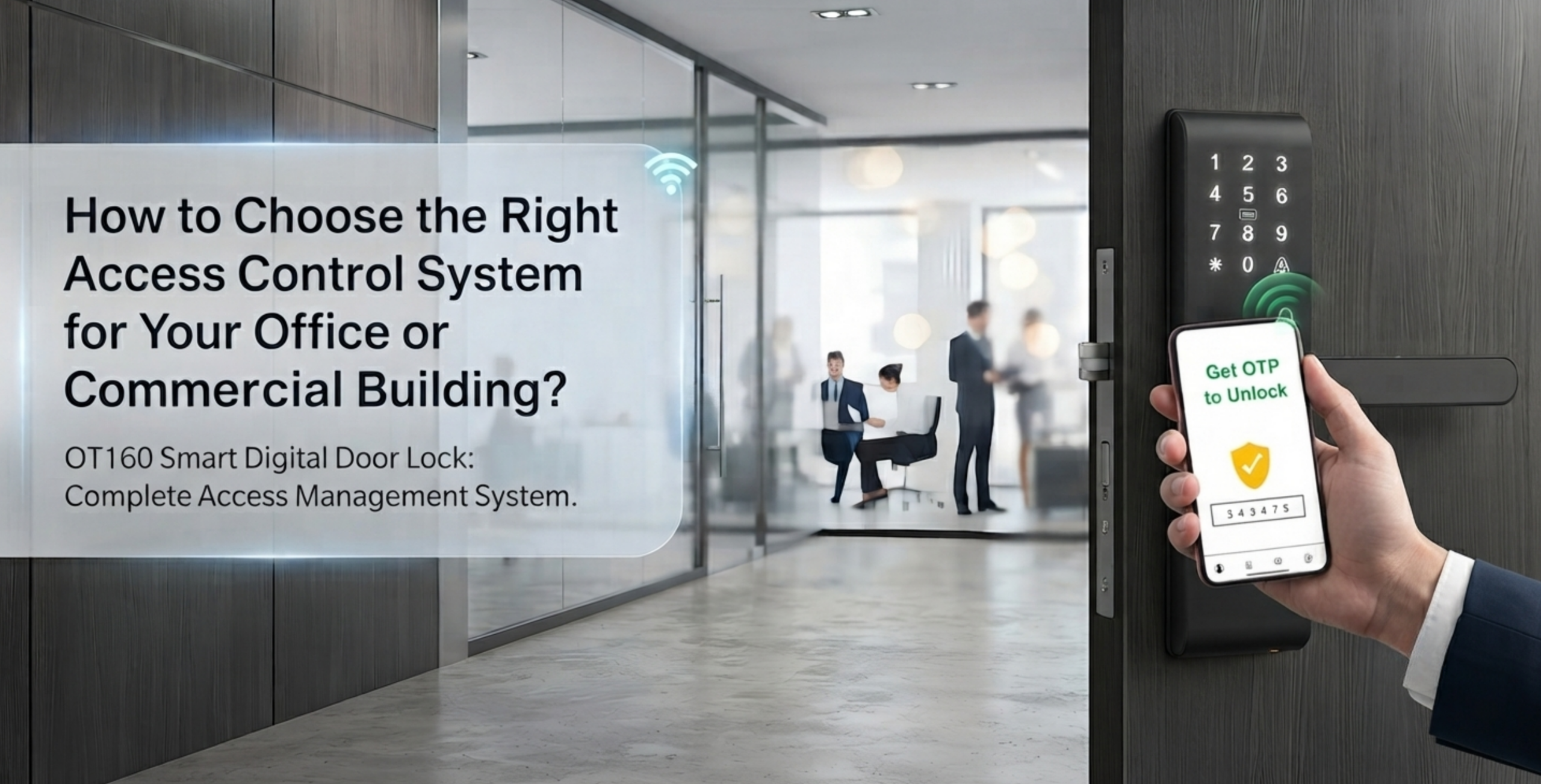
- App-based / Bluetooth: Great for remote management and temporary access
The best smart locks with multiple access options combine all of these into one device, giving your team flexibility while keeping your security layers intact.
Step 3: Consider Your Team Size and Visitor Volume
A digital door lock system for a 15-person office has very different requirements than one for a 300-person commercial building. Larger buildings need systems that can store more user credentials (sometimes 500–5,000 fingerprints or card IDs), integrate with HR software, and handle multiple simultaneous entries without lag.
Pointer: Always check the user capacity of any lock before purchasing. Budget models often cap at 50 to 100 users.
Step 4: Decide Between Standalone and Networked Systems
Standalone locks work independently. Each unit stores its own access data. Good for small offices with limited IT support.
Networked systems connect all locks to a central dashboard. Ideal for commercial buildings, you can add, remove, and monitor users from one interface.
For offices with multiple floors or departments, a networked smart digital door lock system is worth the investment. It gives you centralized control, audit trails, and real-time alerts.
Step 5: Check Integration With Existing Systems
Does the lock integrate with your CCTV, alarm system, or visitor management software? Modern digital door lock systems often support integrations via TCP/IP, Wiegand protocol, or cloud APIs. This creates a unified security ecosystem rather than isolated devices.
Step 6: Evaluate Installation and Maintenance
Even the best smart locks with multiple access options are only as good as their installation. Poor fitment causes misaligned sensors, mechanical failures, and security gaps. Ask whether the brand provides professional installation support. Also check:
- Warranty period (typically 1-3 years)
- Battery vs. wired power source
- Weather resistance (for external doors)
- After-sales service availability in your city
Q&A
Q: Is a biometric door lock for office use reliable on a daily basis?
A: Yes, modern biometric systems have recognition accuracy above 99% and can process entries in under a second. They’re built for high-frequency use in commercial environments.
Q: What happens during a power cut?
A: Most smart digital door locks have a battery backup. Networked systems may also support fail-safe or fail-secure modes depending on your safety requirements.
Q: Can I manage access remotely if I’m travelling?
A: Absolutely. Many digital door lock systems offer cloud-based dashboards and mobile apps where you can grant or revoke access from anywhere in the world.
Q: How secure is app-based or Bluetooth entry?
A: Reputable brands use AES 128-bit or 256-bit encryption. Always choose a brand with a documented cybersecurity policy and regular firmware updates.
Conclusion
Choosing the right access control system comes down to three things: knowing your space, understanding your team’s needs, and not compromising on quality. A well-chosen digital door lock whether it’s a standalone biometric unit or a fully networked smart digital door lock system will protect your people, your data, and your assets for years to come. Start with your highest-risk entry point, build from there, and always opt for the best smart locks with multiple access options so your security can grow as your business does.