Picture two things happening at the same time, in the same building. On the fourteenth floor, someone stands outside their own door at midnight, checking every pocket for a key that isn’t there — because nobody added a smart door lock when the building was built. Down in the site office, a builder takes their tenth call this month, this time from a resident whose carpenter had to cut into a brand-new door just to fit a lock they wanted after moving in. Different floors, same problem: a door that was never built to be more than a hole with a latch.
Why “Just a Lock” Stops Working Once You Scale It
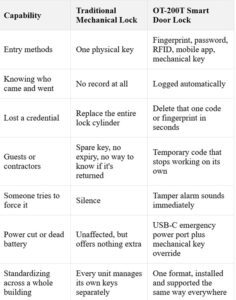
A key works fine when there’s only one of it and one person using it. The problem starts as soon as that’s no longer true — and in any apartment, office, or gated community, that happens almost right away. Someone can copy a key without anyone knowing. A spare key goes to a contractor and never comes back. Nobody can say for sure who came in, or when, because a key doesn’t keep a record. It just opens the door.
For a homeowner, this feels like a small, constant worry — did I lock it, who else has a copy, what happens if the maid loses hers. For a builder or facility team, it’s a bigger headache, multiplied across every unit in the project, with each one solved separately, on its own schedule, by whatever locksmith is nearby. Neither problem is dramatic. It’s just friction that never really goes away.
What Changes When the Door Is Actually Built for It
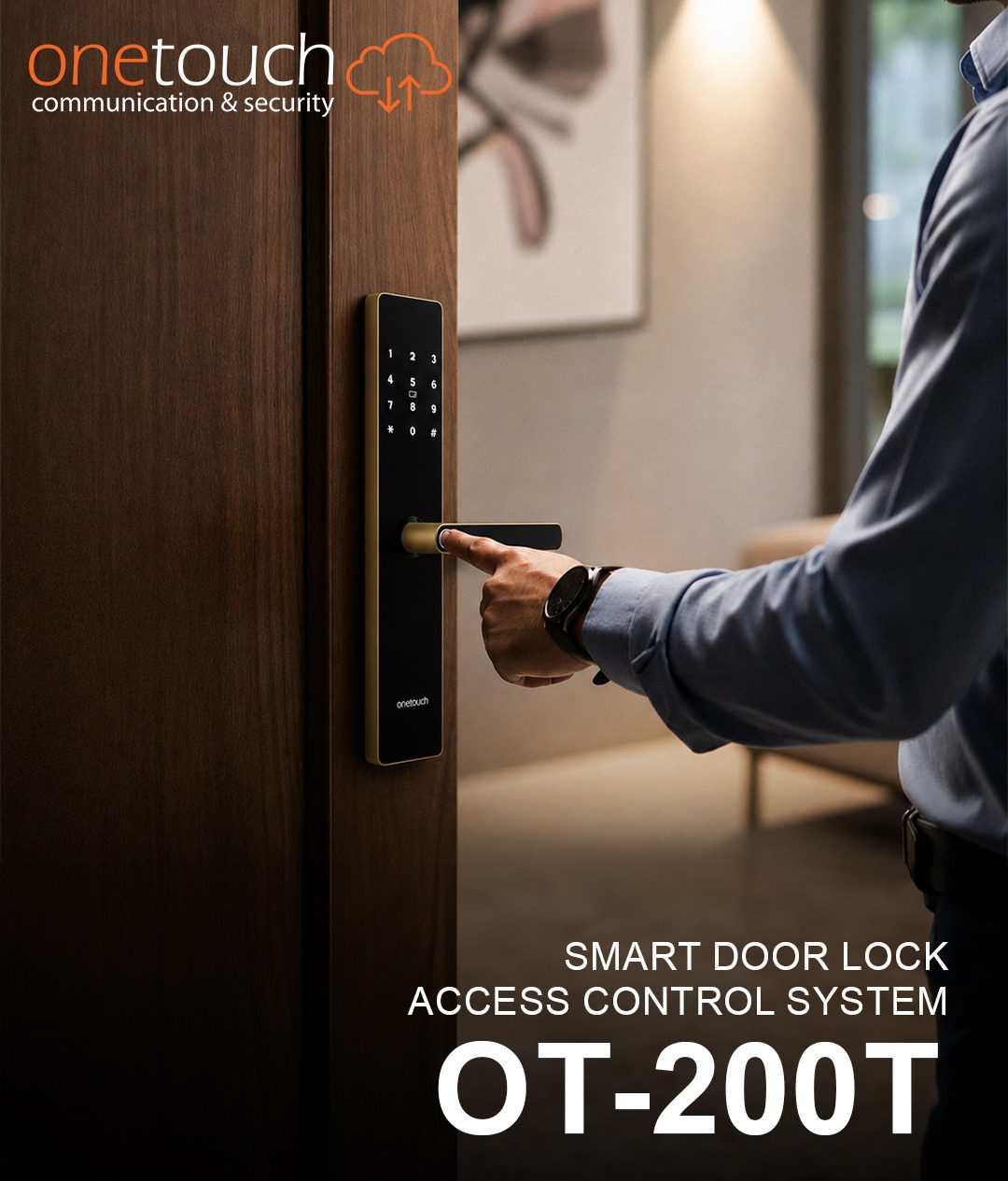
The real fix isn’t the lock itself — it’s deciding, before the door is even put up, that it will carry one. That’s the whole idea behind a smart door lock like the OT-200T: instead of a key being the only way in, the door understands five.
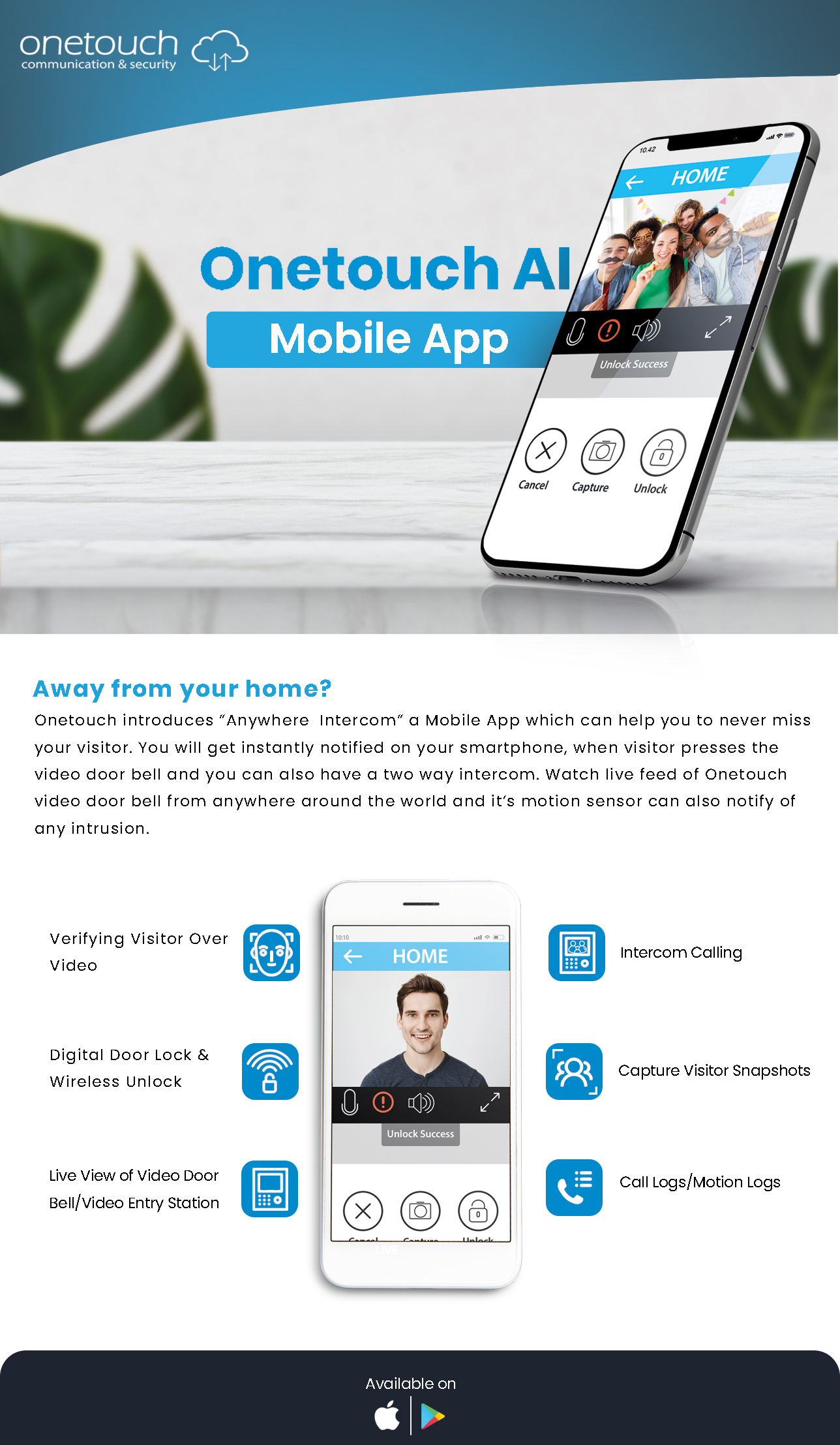
Fingerprint, password, RFID card, the mobile app, and a mechanical key as backup — any one of these gets you through, so you’re never stuck outside because you forgot one method. The lock can store up to 50 fingerprints and 100 passwords or RFID cards, which matters more than you’d think once more than two people use the same door. The body is aluminium alloy around a 6068 mortise, so it doesn’t trade security for convenience. Wi-Fi connectivity lets you check the door’s status from anywhere, anti-peep code entry stops anyone from learning your PIN by watching you type it, and a built-in tamper alarm goes off the moment someone tries to force the door. If the battery ever runs low, an emergency USB-C port lets you plug in a power bank and get back inside right away.
None of this asks the homeowner or the builder to think twice after it’s installed. That’s really the point — it’s built to work quietly in the background, not to be something you have to manage.
What This Actually Feels Like, Day to Day
Mostly, it’s a problem that quietly disappears, rather than a new feature to learn. Hands full of groceries? The door opens with a fingerprint. Elderly parents who used to struggle with a stiff deadbolt now just touch the sensor. A guest gets a temporary code that stops working on its own the day they leave, instead of a spare key that sits in a drawer forever.
On the other side of that door, it’s a project that’s handed over clean. No carpenters coming back to cut into finished doors. One spec, one mortise size, and one install process for every unit, instead of a separate decision for each one. It’s also a better line to use with a buyer touring the project — “every door already supports digital access” sounds a lot better than “you can add that yourself later.”
Further down the chain, it means fewer one-off service calls and more steady, project-based work — quoting for a whole block instead of chasing single installs, and learning one hardware format instead of five. Onetouch also backs the OT-200T with ongoing support and after-sales service through its channel network, so that relationship doesn’t end the day the lock ships.
Old-School Security vs. Modern Smart Access
Frequently Asked Questions
1. How does a smart door lock actually solve the access problem better than a key?
A key is just one credential, and you can’t control it — it can be copied or lost with no record of it happening. A smart door lock like the OT-200T replaces that with several credentials (fingerprint, password, card, app) that you can add or remove one at a time, without ever touching the lock itself.
2. Can one smart lock model really work across an entire building or project?
Yes. Builders often choose one lock format for every unit, which means one mortise cutout, one install process, and one support relationship instead of a different setup for each door.
3. What happens if the OT-200T’s battery dies or there’s a power cut?
The lock runs on its own battery, separate from the building’s power supply, so a power cut alone won’t lock you out. Before the battery actually runs out, the OT-200T sends a low-battery alert straight to the mobile app, so you’re never caught off guard. If it does run low, a USB-C emergency port lets you jump-start it with a power bank, and a mechanical key override is always there as a final backup.
4. Is this actually more secure, or just more convenient?
Both. The OT-200T adds a tamper alarm, anti-peep code entry, and dual authentication on top of all the convenience features — none of which a traditional mechanical lock has. There’s also no physical key left for anyone to copy without your knowledge.