Ever walked through a housing society’s security gate, past a guard who checks every car, and still felt a little uneasy the moment you reached your own front door? If so, you’ve noticed something real — and you’re not the only one.
This guide is about exactly that: choosing the right video door phone for gated communities and multi-apartment projects, not just any door phone picked off a shelf.
Most builders get the big, visible parts of security right: the main gate, the lobby, sometimes even the lift. But somewhere between the lift and the actual door of each flat, that same care tends to quietly disappear.
Why does this happen? Because the gate and lobby get planned as part of the building itself — an architect or security consultant signs off on them. The front door of each flat, though, is often left to whoever moves in. So one flat ends up with a proper smart door phone, and the next door neighbour has whatever was cheapest at the local shop, with no connection to the rest of the building’s security at all.
And this isn’t a small, one-off problem. India already has close to 92,000 registered housing societies, and that number is growing fast — new townships are coming up at roughly 15% more each year through 2030. With that many homes being built, the last stretch of security — from the lobby to the actual front door — matters more every year, not less.
So what would actually fix this?
The honest answer: treat the front door the same way you’d treat the gate — as part of one connected system, not a gadget each resident buy on their own.
How Does a Truly Secure Building Actually Work?
Think of it as four steps, one after another, each one only as strong as the last:

The first three steps are usually planned and installed together, by one team, as part of the building itself. The fourth step is where things tend to fall apart — it’s the one point most often left unplanned, even though it’s the one residents deal with every single day.
So What’s the Solution?
That’s the exact gap Onetouch’s V2 D2 was built to close.
Instead of just being a screen that shows who’s at the door, V2 D2 connects to the building’s bigger security picture. It works with fire and intrusion alarms around the home, so one system covers the whole flat — not just the door. It can also show the same camera feeds already installed at the gate and lobby, right on the same screen, so residents don’t need a separate app just for that. And there’s a built-in contact list for the security desk or facility manager, so nobody has to dig up a phone number in an emergency.
For dealers and integrators, this also makes life simpler: instead of every flat getting a different, disconnected door phone, V2 D2 can be the one standard unit installed across an entire project — the same way gate and lobby hardware already is.

How Do the Names You Already Know Compare?
Most established security brands active in Indian townships today focus on commercial and perimeter security first, with home-access as just one small product line among many. Here’s roughly where each one fits:

Notice the pattern? Most of these names are strongest at the gate and the common areas — general-purpose security. Home access is rarely anyone’s main focus, which is exactly the gap a purpose-built unit like V2 D2 is meant to fill at the individual door.
What Should You Actually Check For?
If you’re specifying or recommending a door phone for a project, here’s what’s worth asking before you decide:
- Does it talk to the building’s alarms: Can it connect to the alarms already planned for the building, or does it only handle the door itself?
- Can it show existing cameras: Can it show the cameras already installed at the gate and lobby, or will residents need a whole separate app just for that?
- Can residents reach security easily: Is there an easy way for a resident to reach the security desk without saving a number they’ll probably lose?
- Is it easy to install at scale: How long does one installation take — and can that be repeated across 100 or 200 flats without becoming a headache?
- Does it store recordings locally: Does it save recordings on the device itself, so families aren’t stuck paying for cloud storage just to see who came by?
- Will every door look consistent: Will it look the same on every door, or will residents end up buying mismatched, retail-grade units over time?
FAQs
What’s the difference between a video door phone and a video doorbell?
A video doorbell is usually a single unit outside the door that connects straight to an app on your phone — quick to install, but it works on its own. A video door phone is a full system: an indoor screen plus an outdoor unit, built to integrate with other things — locks, alarms, and in V2 D2’s case, the building’s wider security setup. One’s a gadget, the other’s part of a system.
Can a video door phone connect to an alarm system?
Yes, if it’s built for that — this is one of the most common things buyers ask about. Look for a unit with its own alarm panel that covers multiple zones. Onetouch’s V2 D2, for example, connects to fire and intrusion alarms across the home, rather than working as a video-only unit with no link to the rest of the building’s security.
Wired or wireless — which is better for a multi-apartment building?
For new construction or large projects, wired systems are generally more reliable at scale — no dependence on Wi-Fi signal reaching every flat, and no risk of interference in a building with hundreds of units. Wireless makes sense for retrofits where running cable is impractical. V2 D2 connects over Wi-Fi but is designed for consistent, single-model rollout either way.
What should I check about installation before choosing a unit for an apartment project?
How long one installation takes, and whether that time stays predictable when repeated across 100 or 200 flats. A single-port connection between indoor and outdoor units (like V2 D2 uses) keeps this simple for contractors, compared to units that need multiple cables run per flat.
Does the video door phone need a mobile app for remote access?
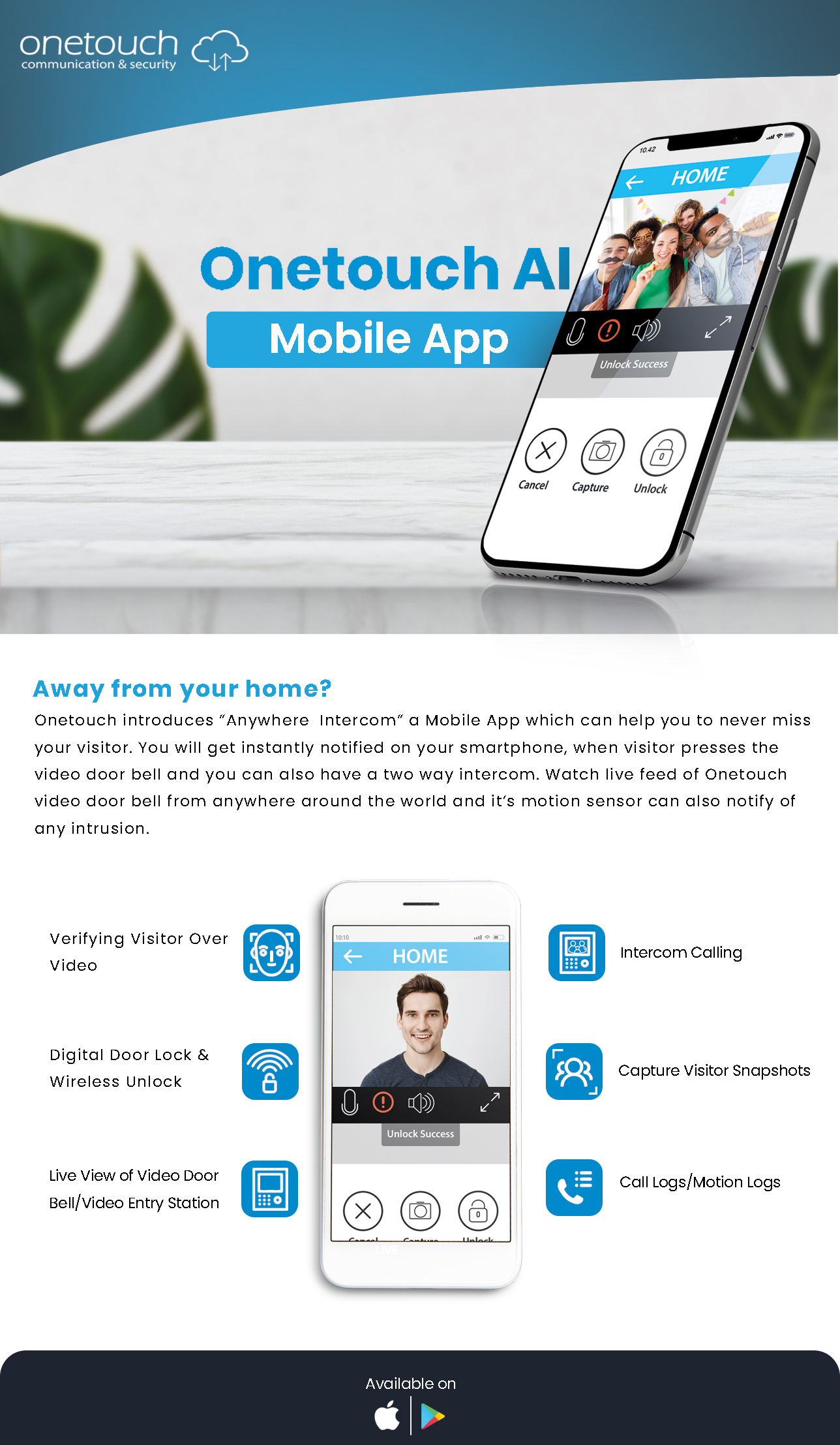
It’s worth having, but it shouldn’t be the only way in. A dedicated app is useful when a resident is away from home, but the core function — seeing and speaking to a visitor, unlocking the door — should still work locally between the indoor and outdoor units even without an internet connection.
What camera quality and field of view should I look for?
At minimum, HD resolution and a wide viewing angle — 120° or more is a common recommendation, since a narrow lens only catches whoever’s standing directly in front of it. V2 D2’s outdoor unit offers up to 160°, wide enough to catch a parcel left at the doorstep, not just a face.