Installing the best smart door bell for office security is the easy part. However, using it well is where most offices slip.
Plenty of teams buy a fancy device, stick it on the wall, and call it a day, assuming security is taken care of. That’s the trap. With the wrong settings and bad placement, not to mention bad integration, that fancy device turns into a noisy camera that doesn’t help anyone.
We’ll show you what businesses usually get wrong, and how to turn your smart doorbell into a real, useful part of your video door phone system for corporate offices.
Mistake #1: Treating it Like a Residential Doorbell
Most smart doorbells come with settings meant for quiet homes. Drop the same setup into an office, and things get messy. Either your team gets pinged all day, or the alerts you actually need never show up.
What goes wrong:
- People walking by trigger constant alerts.
- Reception gets sick of it and stops checking notifications.
- Real issues slip through during the busiest hours.
How to fix it:
- Adjust motion sensitivity so it focuses on people, not random movement.
- Set up active zones that cover actual entry paths, not sidewalks or parking lots.
- Create “quiet hours” and separate delivery times from visitor times, so the right people get the right alerts.
In short, set it up for office life, not home life.
Mistake #2: Ignoring Integration Capabilities (The Silo Effect)
A camera that only rings someone’s phone is just a gadget. A camera that connects to locks, alarms, and reception tools becomes absolute security.
What goes wrong:
- The receptionist has to check the video, then physically walk over to unlock the door.
- Visitor details end up scattered or forgotten.
- Alarms, locks, and cameras work in their own little worlds.
How to fix it:
- Connect the doorbell to your access control system so reception can check and open the door from a single screen.
- Send snapshots and logs straight to your visitor system for passes, QR codes, or OTPs.
- Link it with alarms and CCTV so suspicious motion triggers recordings and alerts automatically.
The result is fewer gaps and better visitor flow, just as a proper video door phone system for corporate offices should.
Order the Best Smart Door Bell for Office Security from Onetouch!
Mistake #3: Neglecting Data Security and Storage
A camera that only streams is great until the moment you actually need proof. And an unsecured device is not just risky. It can become an easy way in for attackers.
What goes wrong:
- Footage disappears before anyone can review it.
- Default passwords never get changed.
- Firmware sits outdated for months.
How to fix it:
- Use a mix of local SD storage and secure cloud backup. Set it to capture snapshots for every call and motion event.
- Update the admin password and enable two-factor access for whoever manages the system.
- Keep firmware updated on a simple schedule. Give IT or facilities a small checklist to follow.
Good storage plus regular updates means solid evidence and far fewer blind spots!
Mistake #4: Poor Placement and Environmental Neglect
Even the best smart door bell for office security is useless if it’s aimed at the sun, pointed at someone’s chest, or ignoring the side gate entirely.
What goes wrong:
- The camera sits too high or too low, so faces are impossible to identify.
- Direct sunlight turns visitors into glowing silhouettes.
- Plants, boards, or signs block half the frame.
How to fix it:
- Mount the unit around 150-160 cm from the ground so it captures well, usable face shots.
- Keep it out of direct sun and away from shiny surfaces. A shaded spot works best.
- Pick a wide-angle model, something around 125° or more, so you see the whole approach, not just the doorway.
- On larger campuses, add extra units for gates and loading areas.
And always use weatherproof, metal-bodied devices with a solid IP rating so they last.
Onetouch: The Professional Standard for Office Security
Buying a video door phone system for corporate offices is only the starting point. The value comes from how you set it up, where you place it, and what you connect it with.
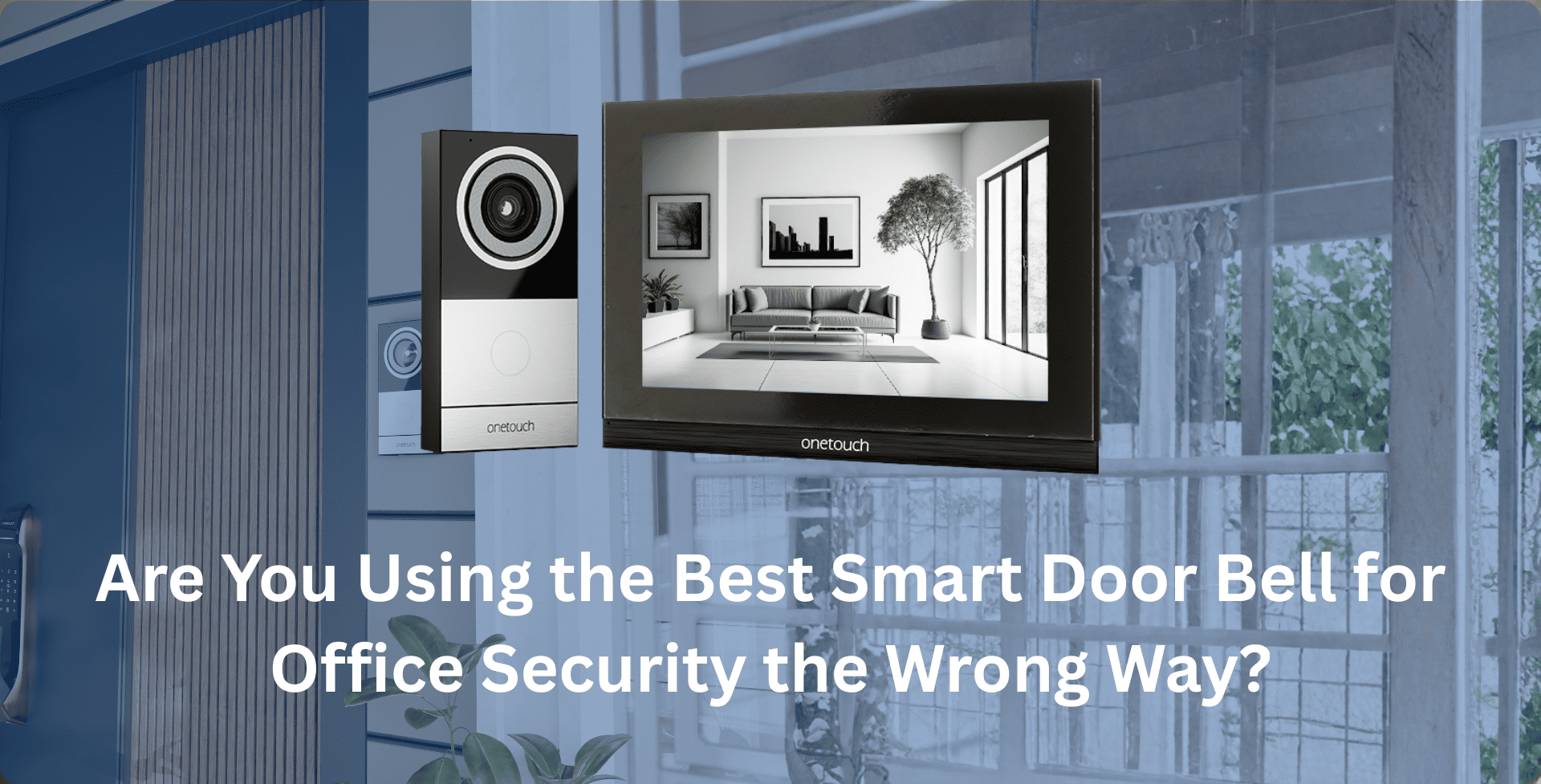
If you want hardware made for real office use, Onetouch is a good example of what “pro” actually feels like. Our range of best smart door bell for office security covers everything from simple entry stations to sharp 10-inch Android consoles, all built for workplaces and not porches at home.
Here’s how Onetouch helps you avoid the usual mistakes:
- Intelligent detection and wide-angle lenses around 125° cut down false alerts and capture approach paths.
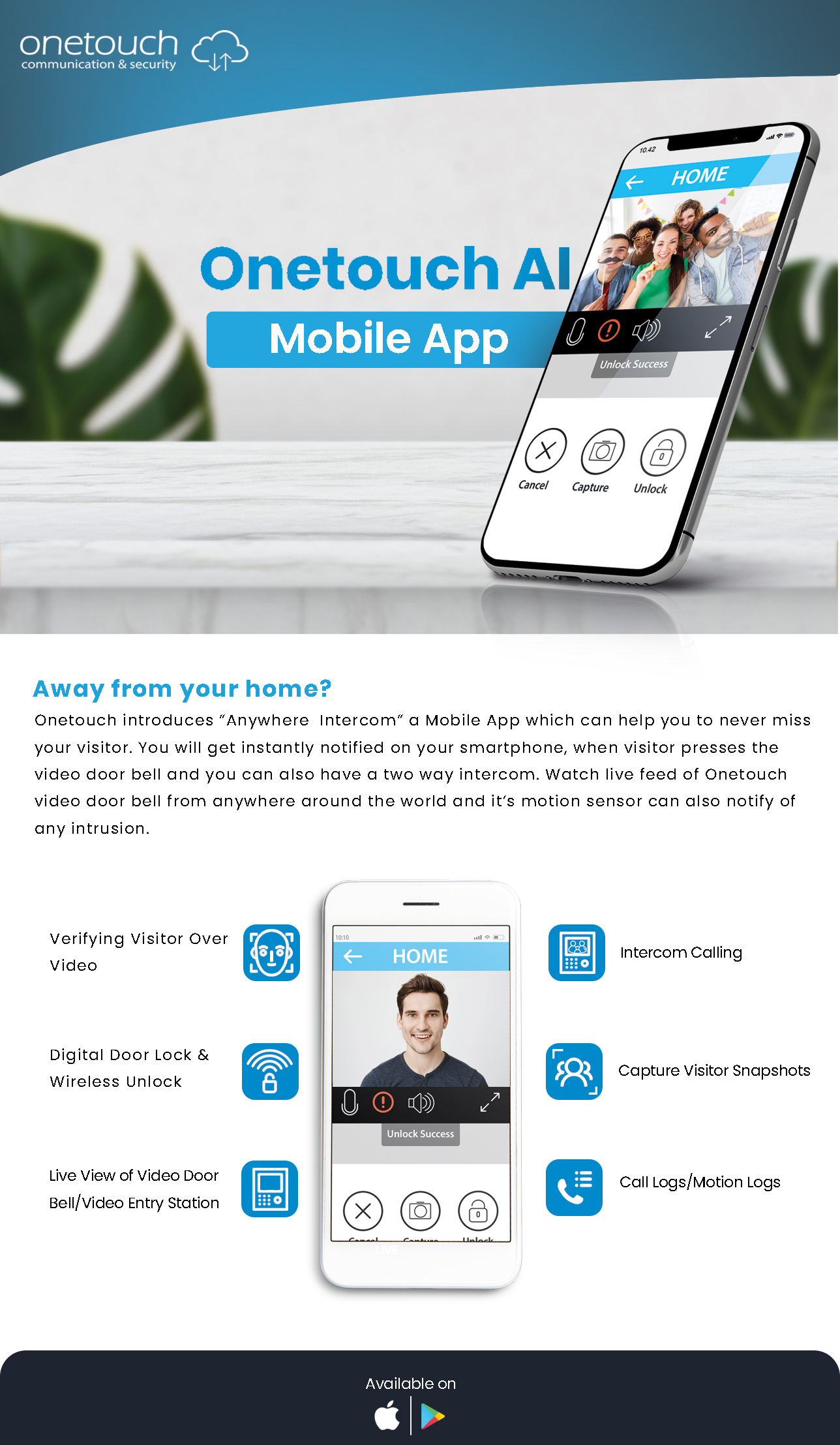
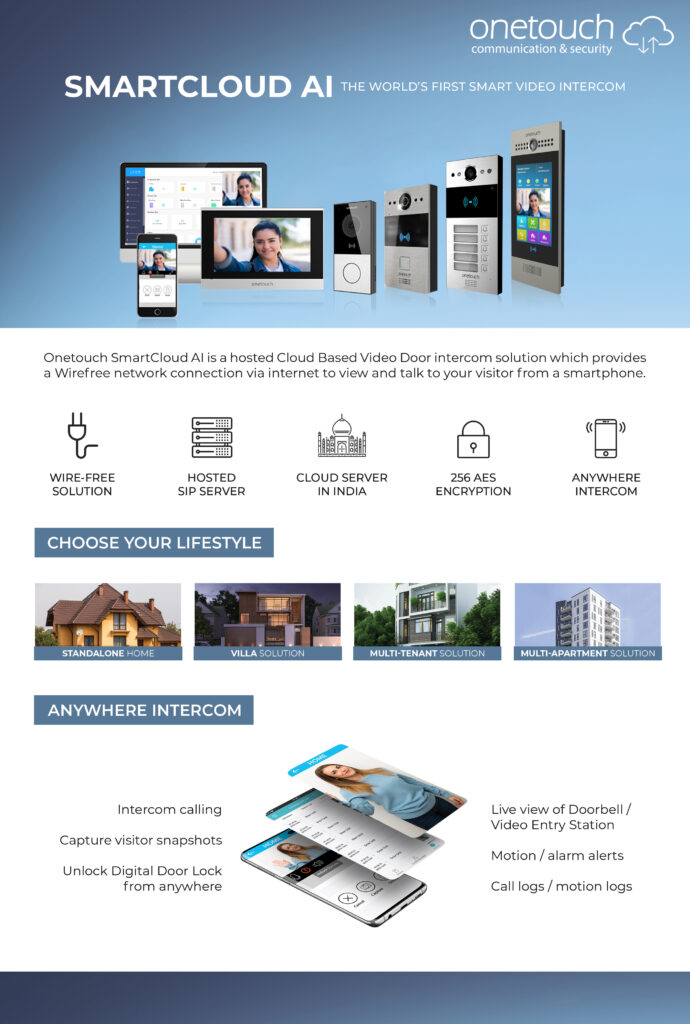
- Anywhere Intercom and the mobile app let managers check visitors and unlock doors without switching devices.
- Built-in alarm zones and PoE keep the system stable and easy to manage from a single console.
- Strong metal bodies and IP65 ratings handle weather and heavy daily use.
- Local SD card recording plus cloud backup means your evidence stays safe.
Put simply: choose pro-grade hardware and configure it like a security system, not a gadget! If you are ready to go beyond “good enough”, reach out to Onetouch. We’ll help install and fine-tune a VDP setup that keeps your workplace safe.
Make the Switch to Onetouch’s Best Smart Door Bell for Office Security
Frequently Asked Questions
1. What’s the best way to use a smart doorbell for office security?
Treat it like part of your security setup and not a lonely alert device. Connect it to your access control, logs, and alarms so you can see who’s at the door and act right away from the same screen or app.
2. Can a video door phone system for corporate offices record visitors?
Yes. Good entry systems take snapshots, record video, save it on SD cards or NVRs, and even back it up to the cloud for long-term safety and audits. Reach out to Onetouch for more details!
3. How do I cut down false alarms on my office video doorbell?
Turn on human detection or other smart filters, set clear detection zones, dial in the sensitivity, and schedule alerts around your actual office hours.
4. Is a wired or wireless doorbell better for offices?
Wired PoE is usually the best pick. It gives you steady power, a secure connection, and simple management from one place. That said, Onetouch has both to cater to diverse workspaces.