Keys seem simple on paper until you actually run an office. Someone forgets one at home. Someone else makes a copy “just in case”. A vendor still has access long after the job is done. It adds up fast. In hybrid workplaces with shifting teams and shared spaces, physical keys are less practical and more prone to loss. Every extra copy is a risk that no one can properly track.
That’s why more teams are moving toward an office digital door lock system. Not because it’s flashy, but because it removes the daily friction. Access becomes visible. Changeable. Reversible. You know who entered, when, and why, instead of guessing after something goes wrong.
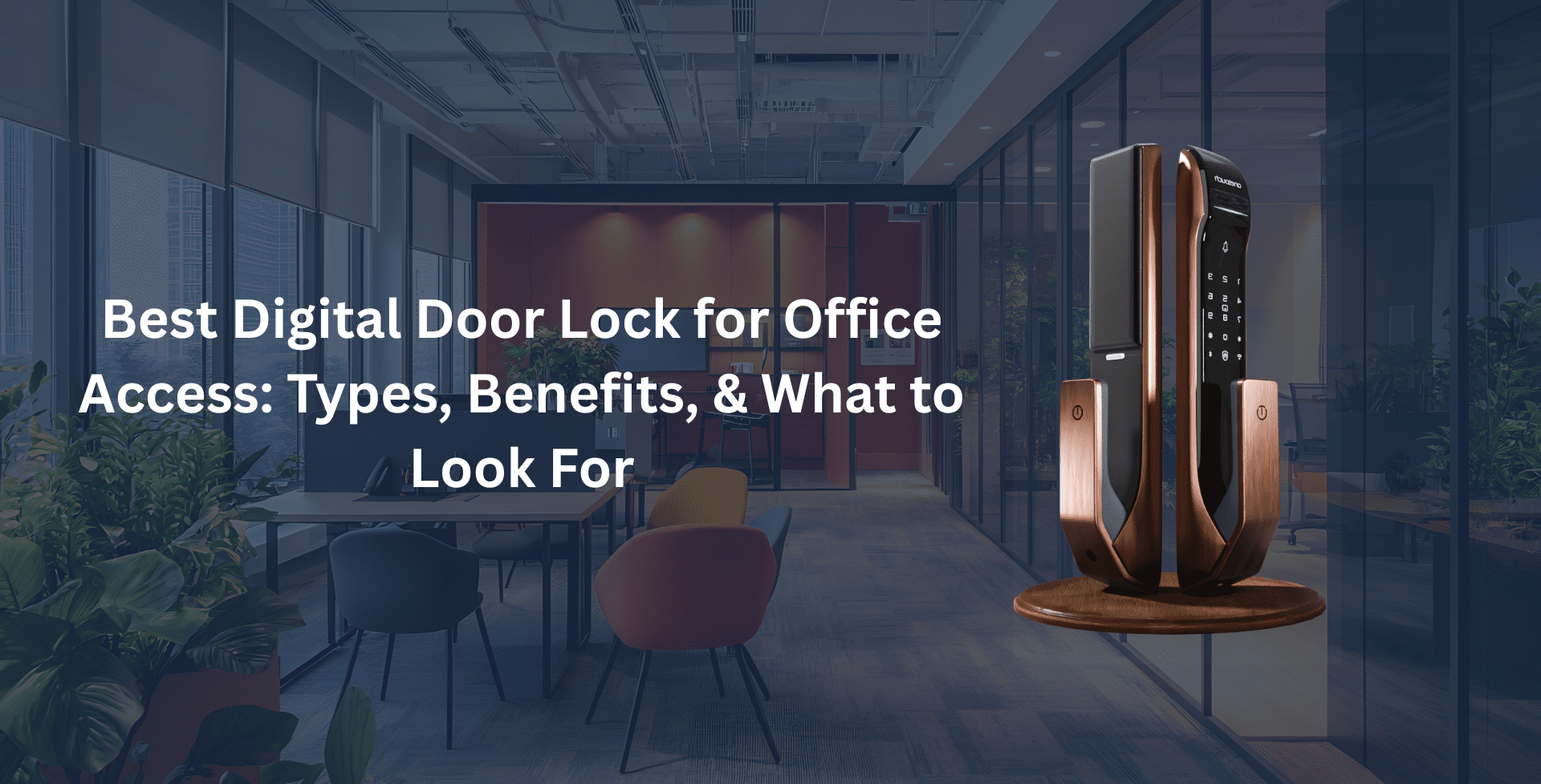
Let’s look at what matters when choosing the best digital door lock for office access, the main options you’ll run into, and how digital door locks improve office security in real workplaces, not brochure-perfect ones.
Types of Digital Door Locks for Modern Offices
Not every door in an office deserves the same level of attention. A server room isn’t a pantry. A main entrance isn’t a meeting room. Treat them all the same is how access control breaks down.
Biometric locks make sense where access should never be shared: server rooms, finance cabins, or leadership offices. A fingerprint doesn’t get passed around or forgotten in a drawer. It keeps responsibility tied to a person, which matters more than people admit.
PIN and password locks work better for shared spaces: staff entrances, internal zones, places with steady traffic. You can change a code in seconds without chasing keys or issuing replacements. It’s surprisingly effective when appropriately managed.
RFID and card-based locks are everywhere for a reason. They’re fast and easy to revoke when roles change. Corporate offices and coworking spaces lean on them because they scale without issues.
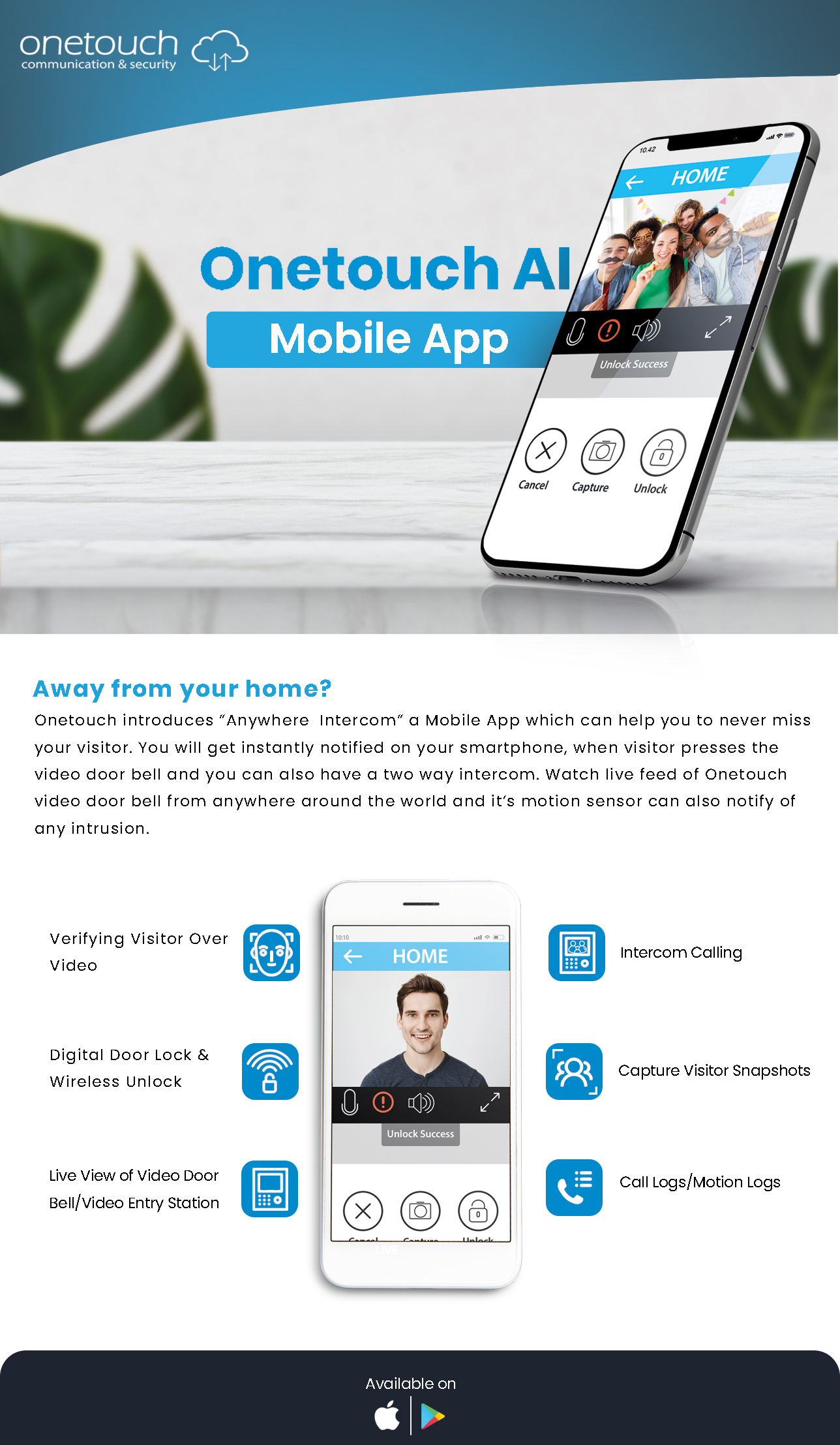
Then there’s app-based access. This is where modern offices show their hand: remote unlocking, as well as temporary access and OTPs for vendors. You don’t need to be on-site to stay in control, exactly how flexible teams operate now.
A Well-Chosen Office Digital Door Lock System Simplifies Operations.
How Digital Door Locks Improve Office Security
The real payoff isn’t convenience. That’s just the surface benefit people like to talk about. The value shows up once you stop relying on trust and memory to control access.
Digital locks kill the whole key-copy problem in one move. Access exists only if you allow it, and it can disappear the moment it needs to. That alone closes a huge gap most offices pretend isn’t there.
Then there’s visibility. Every entry leaves a trail: who came, when they came in, and which door they used. That’s not about micromanaging, but knowing what happened when something feels off, and not having to reconstruct events from half-remembered conversations.
Access changes also happen instantly. Someone leaves the company, a contractor finishes up, a role changes. You don’t wait. You don’t hunt for keys. You simply switch it off and move on.
And finally, the lock itself stops being passive. Forced attempts trigger alerts. Tamper resistance becomes part of the system rather than an afterthought. This is where how digital door locks improve office security becomes obvious.
What to Look For: The Office Buyer’s Checklist
Before you commit to an office digital door lock system, it helps to think about how the office runs. Not how it looks on a floor plan, but how people move, forget things, share access, and occasionally mess up.
User capacity matters more than most buyers expect. Offices change constantly, be it new hires, interns, temporary staff, or vendors. A lock that struggles past a few dozen users becomes a bottleneck fast. Aim for something that comfortably handles 100 or more fingerprints, cards, or PINs without slowing down or glitching.
Build quality is another quiet deal-breaker. Office doors get abused. Opened all day, slammed during rush hours, leaned on during conversations. Lightweight consumer-grade hardware doesn’t age well here. Zinc or aluminium alloy bodies and solid mortise standards like 6068 and SS304 are less about specs and more about avoiding hardware replacement every couple of years.
Power planning is where people get optimistic and regret it later. Battery-powered locks are fine, but only if they’re honest about battery health. Low-battery alerts should be loud and early. A USB-C emergency port is what saves you from an awkward lockout on a busy morning.
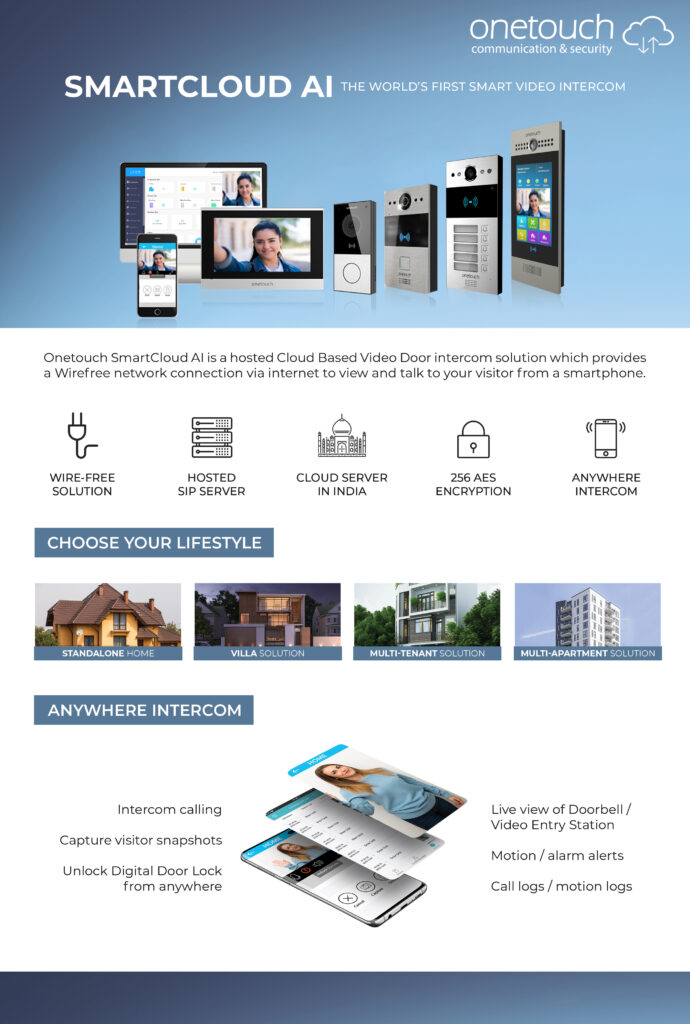
And finally, think about the lock itself. The best digital door lock for office access doesn’t live in isolation. Integration with video door phones changes how main entrances work. Seeing who’s at the door before unlocking feels obvious once you have it, and risky once you don’t.
Get these right, and the lock fades into the background. Which is precisely what good security should do.
Onetouch: Providing the Best Digital Door Lock for Office Access
Upgrading office access isn’t only about keys. You see, keys are just the symptom. What you’re buying is control, not to mention the ability to change your mind without ripping hardware out the door. The best digital door lock for office access strikes the right balance. And Onetouch’s digital door locks are built by people who’ve actually dealt with office doors; real ones that get slammed, propped open, and used a hundred times before lunch.
For most workplaces, the OT-210 and OT-200 series hit the sweet spot. They handle scale: up to a hundred fingerprints or RF tags, solid biometric sensors, and a 6068 mortise that doesn’t flinch under daily traffic. These are the locks you install and then stop thinking about, which is exactly the point.
Main entrances are a different beast. That’s where the OT-500 earns its reputation. The SS304 four-bolt mortise adds physical confidence. Failed attempts trigger auto-locking. OTP access keeps things flexible. And when you pair it with a video door phone, entry stops being a blind action. You see, decide, then unlock it. It feels more deliberate.
Inside the office, not every door needs the same intensity. The OT-300 series keeps things simple for cabins and departments. RFID and PIN access where that’s enough. No unnecessary complexity.
What ties the whole range together is how painless the upgrades are. Onetouch’s retrofit approach means existing doors usually stay as they are. No major carpentry is required. Less noise, less downtime, and fewer awkward conversations about why the office is half unusable for a week.
That practicality is what makes it work. Not the features alone, but the fact that they fit into how offices usually operate. So, if modernising workplace security is on your list, Onetouch is worth a serious look.
Onetouch Systems Are Built for Modern Offices: See What Comes Next.
FAQs
- What is the best digital door lock for office access when staff turnover is high?
Anything that lets you change access without touching the door. RFID cards and mobile app credentials work well because you can issue or revoke access in seconds. That’s usually what people mean when they talk about the best digital door lock for office access in fast-moving teams.
- How do digital door locks improve office security in coworking spaces?
Coworking lives on flexibility, but it still needs control. Onetouch’s digital locks allow 24/7 access while keeping a clean record of who entered and when. That visibility is the answer to how a digital door lock improves security without adding more guards or unnecessary friction.
- Can I unlock my office door remotely for a delivery or visitor?
Yes. A Wi-Fi-enabled office digital door lock system lets you unlock the door remotely or generate a one-time password from your phone. It’s useful in the small, everyday moments that offices deal with constantly.
- What happens if the battery in an office smart lock dies?
Well-designed commercial locks don’t leave you stranded. You’ll get early low-battery alerts, and if it still runs out, a USB-C emergency power port lets you plug in a power bank and get immediate access. That kind of planning is what separates consumer gadgets from office-ready systems!