It often happens that most businesses don’t really think about locks until something breaks. A key disappears, or a former employee somehow still gets in. Or there’s a break-in that makes everyone realise how thin that first layer of security actually was.
When teams finally decide to upgrade, they usually chase price or shiny features. That’s where things go sideways. Choosing a commercial digital door lock is an infrastructure call. The wrong choice creates security gaps and recurring costs.
Let’s look at what companies miss when picking a digital door lock for office use, why not all commercial door locks for offices scale the same way, and what matters if you’re aiming for the best digital door lock for office buildings.
We’ll also tackle the question people ask but rarely slow down to answer properly: Is a digital door lock safe for commercial buildings?
Deployment Size: Planning for One Door or One Hundred?
A lot of teams trip up here. They think door by door. One lock here, another there. It might be manageable at first, then the office grows, and suddenly no one remembers who has access to what.
In real workplaces, commercial door locks for offices have to behave like a system. What works well on a single cabin door may fail across multiple floors or departments. Managing access one lock at a time becomes slow and error-prone.
Central control isn’t solely a nice-to-have. It’s the whole point. When someone changes roles or completes a contract, their access should be removed across all systems simultaneously. If it doesn’t, that gap is waiting to be exploited.
User capacity is another factor people often underestimate. Offices change faster than hardware. Locks that cap out early force awkward workarounds later. That’s why Onetouch models like the OT-210 and OT-200T, which support up to 100 fingerprints and RF tags, make sense for teams that expect to grow.
Then there’s installation. It always looks simple on paper. A commercial digital door lock that’s built for easy retrofit saves time, money, and a lot of unnecessary door damage. You feel that difference immediately when you aren’t shutting down half the office just to install security.
Is a Digital Door Lock Safe for Commercial Buildings?
This question always comes up, right after someone realises they’re trusting a lot of money, data, and people to a single door. The short answer is yes. A digital lock can absolutely be safe. But only if it’s built for commercial reality.
Physical strength is the first filter. Offices see more abuse than homes, full stop. Doors get yanked and leaned on, and slammed during rush hours. A commercial digital door lock must handle that without issue. That’s why mortise standards like SS304 and 6068 matter. They’re what stand between a locked door and a forced one. The OT-500 is a good example here, with its 4-bolt SS304 mortise designed to resist brute force.
Then there’s behaviour. Whether tamper attempts or forced handles occur, they should trigger alarms immediately, not later in a log file. That instant response is often enough to stop someone mid-attempt.
Digital security matters just as much, even if it’s less visible. Apps, remote access, cloud sync — all of it needs proper encryption by default. It’s table stakes for the best digital door lock for office buildings. If the software side is sloppy, the strongest hardware in the world won’t save you.
So when people ask, “Is a digital door lock safe for commercial buildings?”, the answer is this: it’s safe when every layer pulls its weight. Strong metal, smart detection, and secure communication working together. Miss one, and the whole system is a gamble.
Smarter Doors Start with Onetouch – Find Digital Door Lock for Office.
Integration: The “Silo” Trap
Another common mistake is treating access control as if it lives on its own island. A commercial digital door lock should never be a standalone device that does one job and calls it a day.
When integration is done right, security gets calmer. Picture a receptionist checking a visitor on a video door phone and unlocking the door from the same screen. No running back and forth. That’s not about convenience, but control.
Modern commercial door locks for offices are meant to talk to other systems, be it VDPs, CCTVs, or NVRs. Every entry should have context. When something feels off later, you get to look at footage.
Phone-based access matters, too. OTPs sent via an app always beat temporary keys, without handovers or awkward supervision. This is how access stays flexible.
Integration is what turns a lock into part of a security system rather than just a piece of hardware bolted to a door.
Connectivity Models: Bluetooth vs. Wi-Fi
Connectivity may seem like a technical detail, but it shapes how the entire system behaves day-to-day. The best digital door lock for office buildings depends less on features and more on how your team operates.
Wi-Fi locks give you visibility: real-time logs, remote unlocking, as well as central control, even when no one’s on site. If you manage multiple locations or don’t sit near the door all day, this stuff stops being optional very quickly.
Bluetooth has its place, but it’s narrower. It works fine when access is always local. The moment you want remote control, you’re adding bridges and workarounds. On its own, Bluetooth keeps the lock in close range and slightly blind.
Power planning matters just as much as connectivity. A commercial digital door lock shouldn’t depend on the building’s electricity to function. Battery-powered operation with a USB-C emergency port keeps access working during maintenance or on days when nothing else cooperates.
Onetouch: Commercial Solutions Built for High Traffic
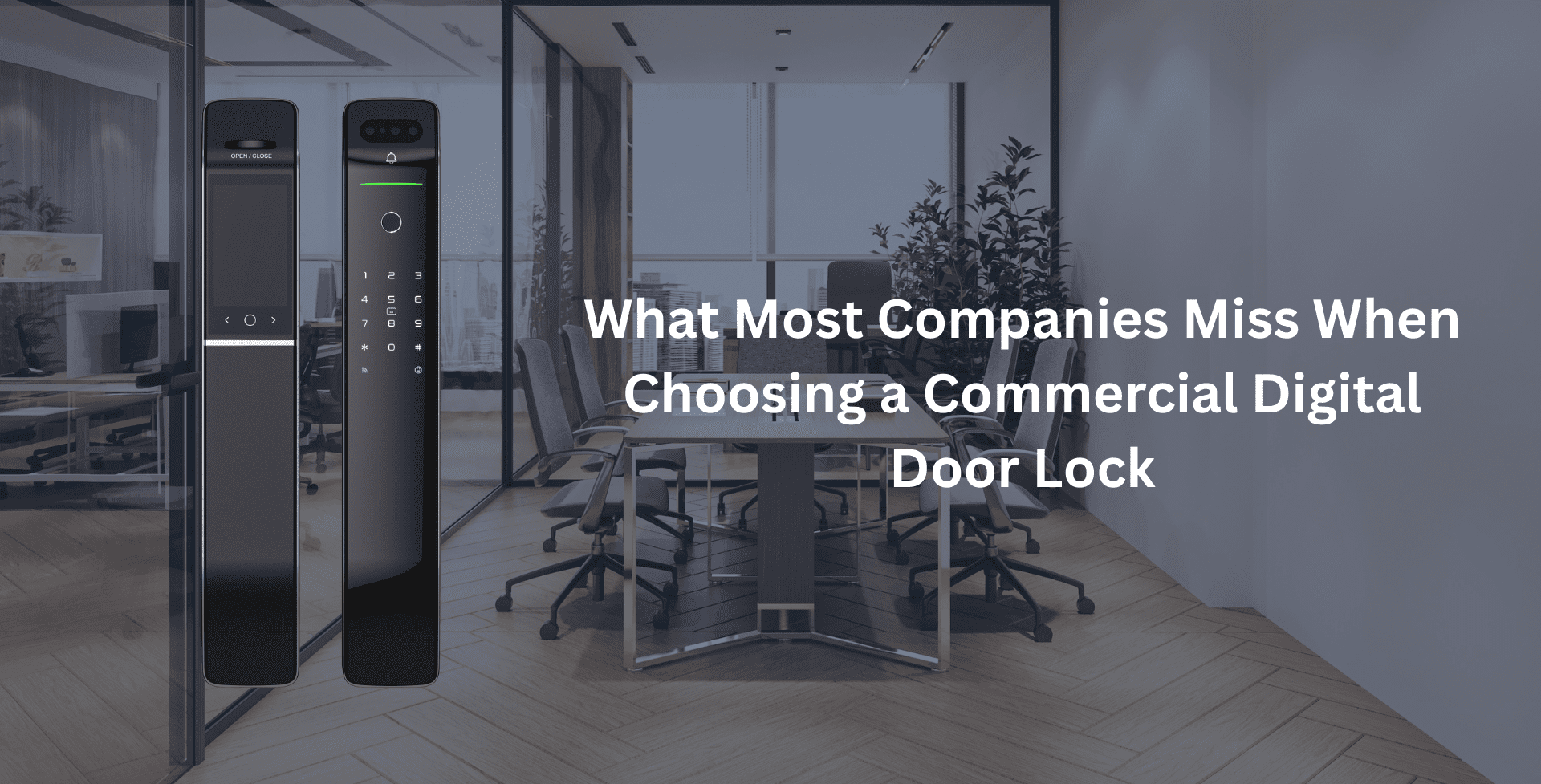
Onetouch digital door locks are built with offices in mind, the kind where doors don’t get a beak and access decisions happen all day long.
For internal cabins and server rooms, the OT-300R and OT-300B do the job without drama. PIN, RFID, biometrics where needed, and a build that withstands repeated use. They’re not flashy, and that’s a compliment.
The OT-210 and OT-200T are the everyday workhorses. Aluminium or zinc alloy bodies, solid 6068 mortise locks, and enough capacity to grow as teams grow. These are the locks that can scale across departments without needing special treatment.
Of course, main entrances are where things get serious, and that’s where the OT-500 earns its keep. Strong SS304 mortise construction, auto-locking after failed attempts, OTP access for flexibility, and native video door phone integration. It’s a proper commercial digital door lock by definition.
Taken together, Onetouch’s range covers every access zone an office typically has. Internal rooms, shared areas, front doors. No weak links in between. Just locks that are built to survive high traffic and stay under control while doing it.
Power Smart Office Security with Onetouch – Contact Today.
FAQs
1. How many users can a Onetouch commercial digital door lock handle?
Most serious commercial door locks for offices are built to scale. Think a hundred plus fingerprints, PINs, or RF tags without slowing down or losing track. That matters as teams grow, roles change, and you still want clear visibility rather than guesswork.
2. What happens if the batteries die in an office building?
This is where Onetouch’s best digital door lock for office buildings shows its thinking. You’ll get early low-battery alerts, and if someone ignores them anyway, there’s usually a discreet USB-C emergency power port. Plug in a power bank, unlock, and move on. No lockout drama!
3. Can I use a digital lock on a glass door?
Yes, but only with the right hardware. You’ll need a glass-door variant or adapter made for that surface. Most Onetouch models are designed for standard 35-60 mm wooden or metal doors, so it’s worth checking compatibility before you order rather than discovering it mid-install.
4. What makes a commercial digital door lock different from a residential smart lock?
A digital door lock for office is designed for high-traffic environments and long-duty cycles. It offers higher user capacity, stronger mortise mechanisms, access logs, and integration with enterprise systems such as video door phones and visitor management platforms—features that standard residential locks typically lack.
5. Is a digital door lock safe for commercial buildings?
Yes, provided you choose a commercial-grade model. High-quality commercial door locks for offices combine strong physical security (multi-bolt mortise, anti-tamper alarms) with encrypted digital access and secure mobile apps. When installed correctly, these systems are significantly safer than traditional key-based lock