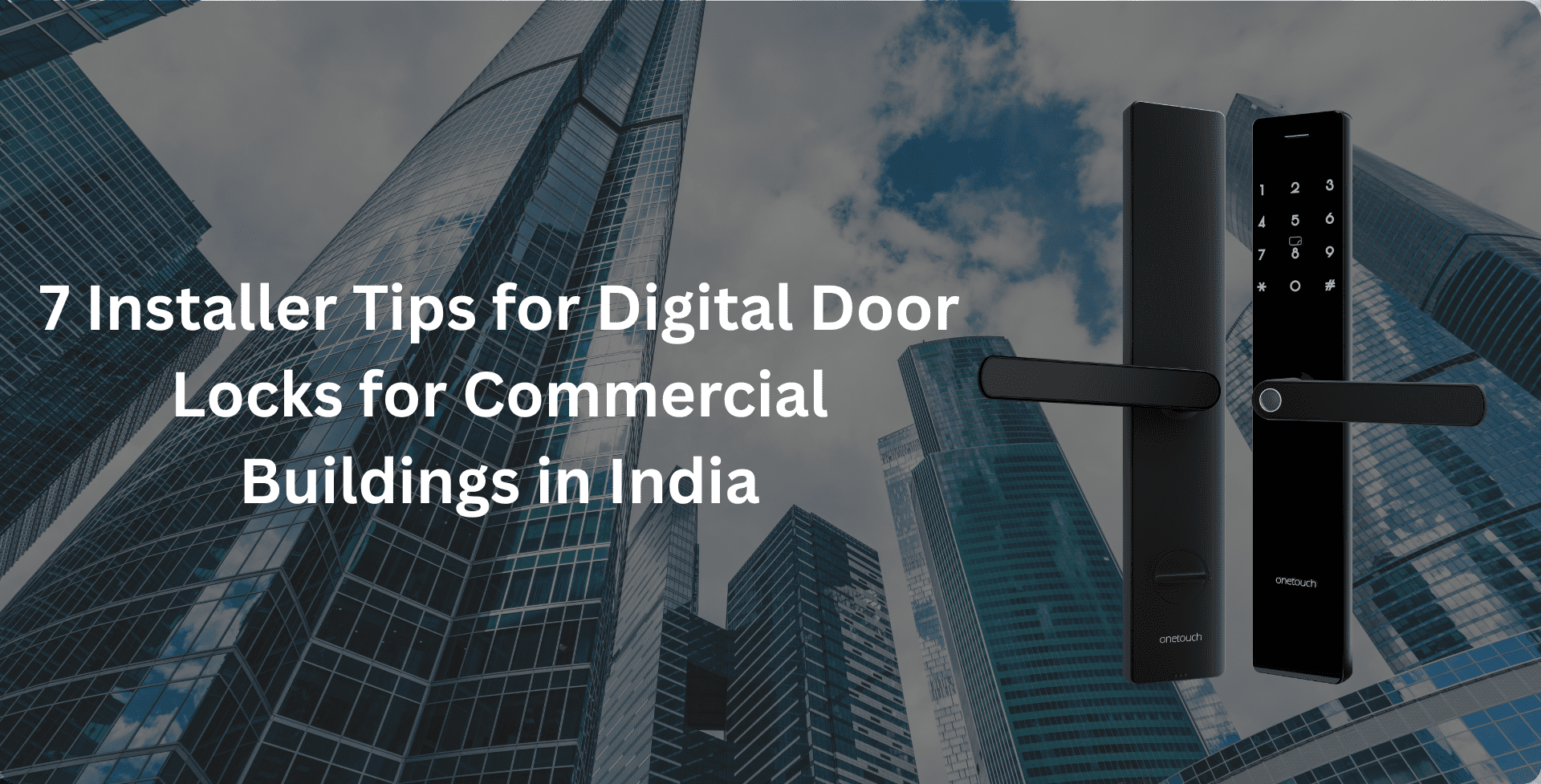
Indian workplaces move at a pace that old-style keys just can’t keep up with. People switch shifts, vendors show up at odd hours, and misplaced keys become a weekly problem. That’s why so many companies are turning to digital door locks for commercial buildings in India. You get proper access logs and the option to manage everything remotely.
But these benefits only show up when the lock is installed and set up correctly. This guide shares practical tips to help your smart lock become a real security upgrade, not another thing for your team to troubleshoot. It’s all about improving safety and getting the benefits of digital locks for offices and workplaces without the usual headaches.
By the end, you’ll also have a clear idea of how to secure office main door with smart lock systems in a way that works for your business.
Why Upgrade? The Value of Digital Locks for Indian Offices
Switching to digital locks isn’t just about getting something “new”. In most offices, the real win is how much smoother everything becomes.
No one has to chase down missing keys, no more rekeying after someone leaves, not to mention no more wondering who entered the building at what time. You get accurate access logs that support attendance and incident checks, and you eliminate the risk of someone quietly creating a duplicate.
Put simply, the benefits of digital locks for offices and workplaces are evident in everyday routines. You reduce stress, and you tighten security without making life harder for your team.
7 Essential Installation Tips for Commercial Success
- Assess Door Compatibility (Get the Basics Right)
Before you place an order, do a quick reality check on the door itself. Measure the thickness and look at the material. Make sure it can support a smart lock. Most commercial models work fine with standard 35-60 mm doors, but glass panels, heavy metal gates, and fire-rated doors require special handling. Onetouch models clearly list the supported thickness, so use those specs as your guide.
A small tip that saves trouble later: check the hinges and the frame. If the door is sagging or slightly misaligned, it can twist the mortise and jam the lock.
- Choose the Right Lock Type for the Zone
Not every door needs top-tier security. The trick is to match the lock to the level of risk.
For the main entrance or reception, go for a high-security model with multi-factor access, like biometric plus PIN. Something like the OT-500 fits well here.
For server rooms or cash rooms, you want strict control: solid biometrics, clean audit, and tight admin permissions.
For internal cabins and meeting rooms, simple RFID or PIN-based models like the OT 300R/B are usually enough.
This kind of zoning keeps your budget under control while ensuring the most critical areas get the strongest protection.
Get Reliable Digital Door Locks for Commercial Buildings in India Now.
- Professional Installation vs. DIY (Hire for Commercial Installs)
Commercial smart locks aren’t something you install on a lazy Sunday. They need precise mortise cutting and clean backset alignment, especially with heavier mortises like 6068 or SS304. If the fit is even a little off, you’ll see false rejections or doors that don’t lock the way they should.
In busy office spaces, it’s always worth calling certified installers. They know how to mount the hardware correctly and can also check that everything plays nicely with your access control system and CCTV. The work pays for itself in fewer issues!
- Power Planning (Don’t Let a Battery or Outage Break Access)
Most commercial digital locks run on batteries, so you don’t have to redo the wiring. Still, it helps to plan ahead.
Set a simple battery maintenance routine and pay attention to low-battery alerts so you’re never caught off guard. You can use emergency power options, such as the USB-C port on Onetouch locks, to give the lock a quick boost should the batteries die.
And always keep a local override ready, like a mechanical key or an admin-controlled remote unlock, so no one gets stuck outside during maintenance. For main entrances, redundancy is essential.
- Network and Integration Readiness
Digital door locks for commercial buildings in India work best when part of a bigger setup. Before installation, map out how each lock will connect with the rest of your security tools. For instance:
- Link it with your video door phones for visual checks and remote unlocking. Models like the OT-200V and OT-500 support this already.
- Connect it to your access control software so you can manage users and permissions from one place.
- If your building uses HR or attendance systems, sync those too so entry data updates automatically.
Depending on your setup, you may need Wiegand, relay ports, or IP modules. Whatever you choose, test the whole flow from start to finish.
Also Read: 5 Benefits of Digital Locks for Offices and Workplaces
- Secure Mounting and Tamper Detection
Even the smartest digital door locks for commercial buildings in India need solid hardware to back them up. Use strong mortises, such as 6068 or SS304, and make sure everything is firmly fixed in place. Good physical strength stops brute-force attempts. Turn on tamper and door-force alerts in the settings so your guards or admins get notified the moment someone tries something suspicious.
- Audit, Logging, and Maintenance (Close the Loop)
Turn on logging from day one, because a digital lock is only as good as the rules around it. Export access logs regularly and skim through them for anything odd. Make a small maintenance routine that covers battery checks, firmware updates, and whatnot. For heavy-use doors, doing this every three to six months keeps everything reliable.
Onetouch: Tailored Solutions for Commercial Installation
Installing digital door locks for commercial buildings in India is a smart move for any office seeking cleaner access control and fewer security hassles. But the real success comes from planning it well. Onetouch designs its locks with real office needs in mind, which makes choosing the right model much easier.
OT-200 Series (T / V)
A solid fit for most office doors. You get a strong 6068 mortise, optional Wi-Fi, and, on the OT-200V, video door phone integration.
OT-300R / OT-300B
Perfect for cabins and internal doors. They’re compact and use simple RFID or PIN access that works well for everyday movement inside the office.
OT-500
A great pick for main entrances. It uses an SS304 mortise for strong physical security, supports multi-factor access, and even auto-locks after failed attempts. It also pairs nicely with Onetouch VDP systems for visual verification.
Onetouch’s easy retrofit-friendly design helps installers avoid unnecessary drilling and door damage. Add the emergency USB-C power option and the tough mortises, and you get locks built to handle the demands of busy Indian workplaces.
Modernise Office Security with Onetouch’s Commercial Digital Locks.
FAQs
1. Can digital door locks be installed on glass doors in offices?
Yes. You just need the correct adapter or a patch lock made specifically for glass. A good installer (like those Onetouch provides) will check the frame, recommend the proper hardware, and ensure the glass is reinforced so everything stays stable and secure.
2. What is the best digital lock type for a high-traffic office main door?
A sturdy mortise lock with multi-factor access works best. Think biometric, RFID, and an admin override. Add a monitored door-force alarm, and you’ve got solid protection for busy entrances where security matters most.
3. How do I secure my office main door with a smart lock system without rewiring?
Go for a battery-powered digital lock that uses relay outputs to work with your existing strike plate or magnetic lock. This is one of the simplest ways to handle how to secure office main door with smart lock systems without touching the wiring. Onetouch models are made with this kind of retrofit in mind.
-
Are battery-operated digital locks reliable for commercial buildings in India?
Yes, as long as you keep a small maintenance routine. Enable low-battery alerts and use the emergency power port (like Onetouch’s USB-C option) if the lock ever needs a quick boost. With those basics in place, they’re very dependable for everyday commercial use!